
Invoicing software is no longer reserved for large companies. It helps you create quotes and invoices, track payments and keep a clear view of your cash flow. For small and medium businesses, in Morocco and internationally, the stakes are concrete: saving time on admin, limiting errors, sending professional documents and keeping better track of late payments. This guide helps you understand what invoicing software is, choose between a standard solution and a custom tool, and roll it out successfully.
What is invoicing software?
Invoicing software is a tool designed to create, send and archive quotes and invoices, track payments and manage customers. It brings more structure and automation than a simple spreadsheet or word processor.
- Simple invoicing software: quotes and invoices, automatic numbering, credit notes and archiving. It covers the essentials without going into full accounting.
- Integrated suite (CRM / ERP): on top of invoicing, it covers customer relationships, cash flow, sometimes stock and purchasing, to run the whole business.
- Invoicing or accounting? Invoicing handles the sales cycle (quotes, invoices, credit notes, payments). Accounting covers the entire financial cycle. The two are complementary.
- E-invoice: not just a PDF sent by email, but a structured document that the sender's and recipient's software can process without re-entering data.
The benefits of invoicing software for a small or medium business
- Time savings: ready-made templates, quote duplication, automatic tax calculation and sending in a few clicks.
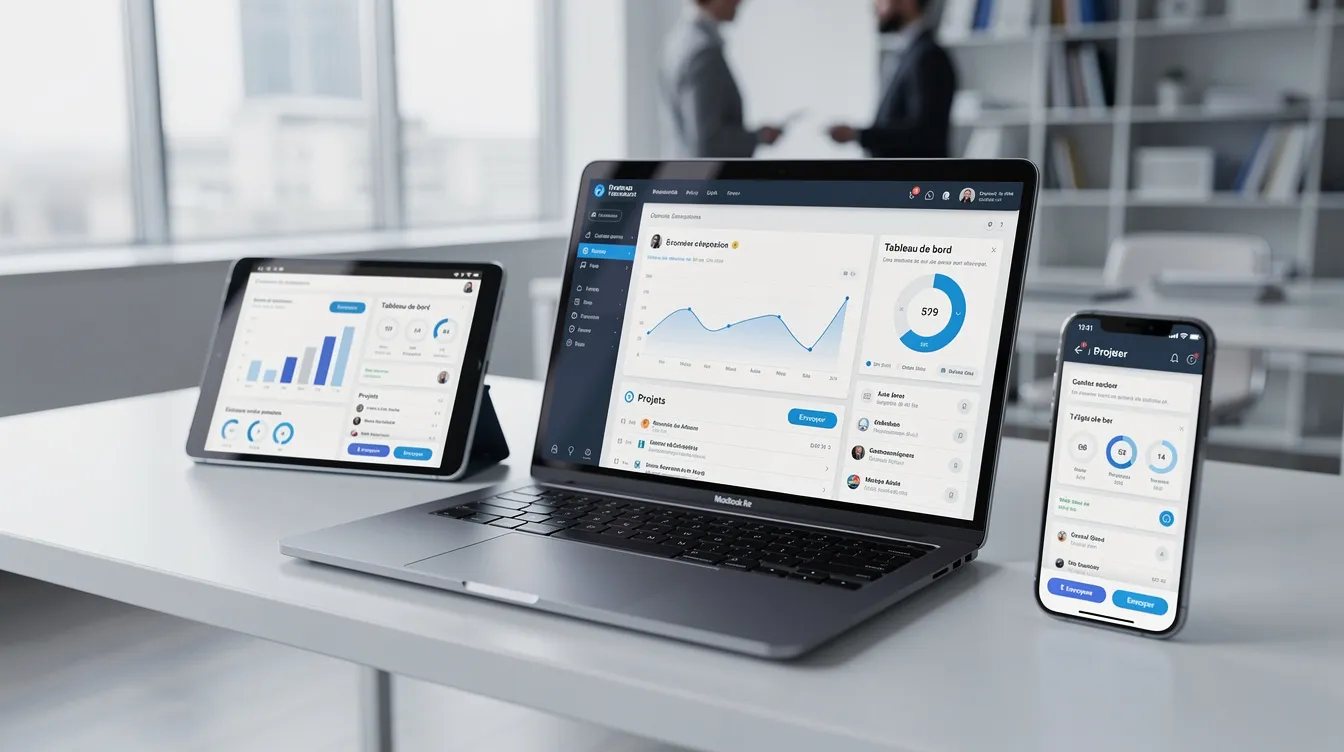
- Cash flow under control: a dashboard shows invoices due, late payments and revenue collected. Automatic reminders help you follow up on late payments.
- Fewer errors: numbering, mentions and calculations are handled by the tool rather than by hand, and all quotes and invoices are centralized in one place.
- Easier collaboration: management, the sales team and the accountant work from the same data, with exports for your accountant.
- Professional image: consistent documents with your logo, terms of sale and full contact details strengthen your credibility.

The essential features of invoicing software
| Feature | What it is for |
|---|---|
| Quotes and invoices | Customizable templates, duplication, automatic numbering, credit notes |
| Customer file and catalog | History of each customer, products and services with their prices |
| Payment tracking | Status of each invoice (sent, paid, overdue) and reminders |
| Recurring invoicing | Invoices generated automatically for subscriptions and contracts |
| Exports and reporting | Exports, sales reports by customer or period, management indicators |
| Multi-currency and multiple tax rates | Useful for businesses working internationally |
| Archiving | Centralized documents that are easy to find |
To track your indicators in one place, also read our guide to the business dashboard.
Getting ready for e-invoicing
More and more countries are moving their rules towards electronic invoicing between businesses. Obligations, formats and timelines depend on the country where you operate: check with your accountant what applies to your business.
- Plan ahead: choosing a tool that can evolve now saves you from a rushed migration and leaves time to train your teams.
- Selection criterion: make sure your solution can be updated to keep up with changes in formats and mandatory mentions.
Free, paid or custom invoicing software?
There is no universal "best invoicing software": it all depends on your invoice volume, team size, countries of operation and processes.
- A free solution may be enough at the start: few invoices, a single user, a simple activity.
- A paid standard solution becomes useful when volume grows, the team expands or you need automation (reminders, recurring invoices, integrated modules).
- Custom software makes sense when your approval rules, workflows or integrations go beyond what standard tools offer. To compare both approaches, read our article on custom software vs off-the-shelf.

How to choose your invoicing software: the checklist
- Internal analysis: how many invoices do you issue each month? How many users? Which countries do you work in? Which taxes do you apply?
- Essential or nice-to-have: quotes, invoices, customer file and payment tracking are essential; advanced CRM, stock or projects are often nice-to-haves at first.
- Usability: an intuitive interface, in your language, accessible on mobile. Poor usability slows adoption.
- Pricing model: free, subscription, per-user billing, paid options: compare the total cost for your usage.
- Real-life test: create a quote, issue an invoice, send a reminder and run an export before committing.
- Support and updates: documentation, tutorials, support availability and how often the tool evolves.
Integrating invoicing into your digital ecosystem
Invoicing should not live in a silo. Connected to your other tools, it avoids re-entering data and gives a more complete view of your business.
- With a CRM: accepted quotes become invoices and the customer history stays complete. See our guide to the custom CRM.
- With an ERP: synchronization with purchasing, accounting and margin visibility. See our article on ERP software for SMEs.
- With stock management: invoices update available quantities. See our guide to inventory management software.
- With an e-commerce site or SaaS platform: an invoice generated for each order or subscription, and a customer area to find documents.
Reminders and repetitive tasks can also be automated: read our article on business process automation.
Custom invoicing software with Unziptech
UNZIPTECH SARL, based in Fès, works with small, medium and large businesses in Morocco and internationally. Its services include custom software (ERP, CRM, business tools), web development, mobile apps, artificial intelligence and IT & digital consulting.
A custom invoicing software project follows four steps:
- Listening and needs analysis: how your quotes and invoices are handled today, your workflows, approval rules and integrations.
- Design and mockup validation: screens for entering quotes, invoices, payments and dashboards, validated by your teams before development.
- Agile development with regular check-ins: demos and adjustments to calculation rules and approval workflows.
- Delivery, training and follow-up: team training and user documentation with every delivery.
Maintenance and support contracts then allow the tool to evolve. Every project receives a free personalized quote after analyzing your needs, and payment is generally split into several phases.
Preparing your teams for the new software
- Involve key users early: the person who prepares quotes and invoices today should take part in the choice and the tests.
- Map your processes: quote, approval, invoice, reminder, collection. Identify repetitive tasks to automate.
- Secure the switchover: run the old and new systems in parallel while you check the results.
- Train in short sessions: written or video materials, an internal FAQ and good practices for numbering and archiving.
FAQ about invoicing software
What is the best invoicing software for a small business?
It depends on your invoice volume, number of users, countries of operation and integration needs. Test tools in real-life conditions; if none covers your specific needs, custom development can be considered.
Can I keep invoicing with a spreadsheet?
A spreadsheet can help at the very beginning, but it requires a lot of manual entry and makes payment tracking harder. As e-invoicing develops, invoicing software becomes more and more useful; your accountant can tell you which rules apply.
Is free invoicing software enough?
It can work at the start, with few invoices and a single user. It shows its limits when the business grows or needs automation and integrations.
What is the difference between invoicing software and accounting software?
Invoicing handles creating quotes and invoices and tracking payments. Accounting covers the entire financial cycle. The two tools are complementary.
How can Unziptech help me?
Unziptech designs custom software and can integrate invoicing into a CRM, an ERP or a SaaS platform. Every project starts with listening to and analyzing your needs, followed by a free personalized quote.
How do I contact you about a project?
Describe your needs through our contact page: the Unziptech team will get back to you to discuss it and prepare a tailored quote.